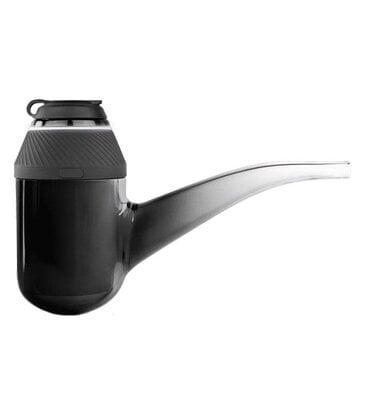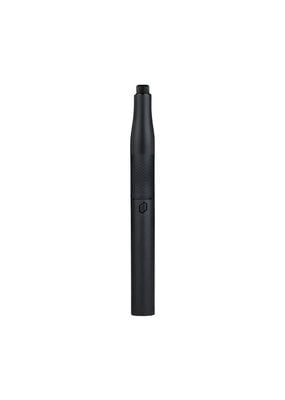


The Puffco Pivot came to be after an office party late one night at Puffco's headquarters. After much drinking and smoking, a Puffco Peak Vaporizer and a Puffco Plus Vaporizer found themselves all alone and looking deep into each other's eyes. During their night of passion, the Puffco Pivot was conceived, getting half its DNA from each parent.
The Puffco Pivot has four heat settings ranging from 500-585°F, perfectly tuned to optimize your experience for mouthwatering flavors, dense clouds, and everywhere in between. Heating up in as little as 20 seconds, each power cycle lasts long enough to get several hits and clear a properly loaded bowl. An integrated temperature sensor in the bowl takes constant readings to ensure that your chamber always stays at your desired temperature, no matter what.
You can fully charge your Puffco Pivot using the included USB-C charger in as little as 45 minutes. A full charge can last up to 15 sessions, depending on your temperature settings and use of Boost Mode. While you can use most charging bricks to charge your device, be reasonable and don't use anything too powerful, such as a MacBook charger.
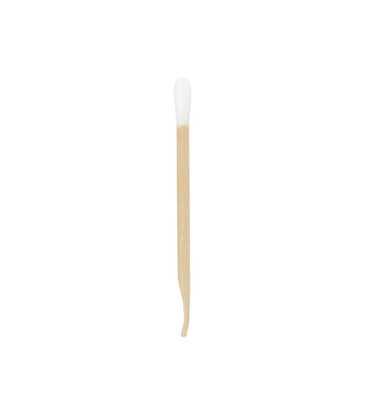
Make sure to fully charge your Puffco Pivot before using it for your first session to ensure optimal battery performance for the life of your device. Turn on your Puffco Pivot by holding the power button for 3 seconds. Press the power button once to cycle through the different temperature settings. We always recommend starting on blue and only raising the temperature as needed for your desired clouds and optimal vaporization of your materials. You can either load your materials now or wait for the device to heat up before loading. Once you have chosen a heat setting, press the power button twice to begin the heat cycle. Once your Puffco Pivot is up to temperature, it will vibrate twice, and the light bar at the bottom will gradually decrease to show the remaining time in your session. To enter Boost Mode and extend your session by 15 seconds, press the power button twice once your Puffco Pivot is already up to temp. When you are done, press and hold the power button for 3 seconds again to turn off your device. For optimal performance and to extend the life of your chamber, use a cotton swab with 91% or higher isopropyl alcohol to clean the chamber after each use, and regularly inspect and clean the connection between the chamber and battery as needed.

Brand: Puffco

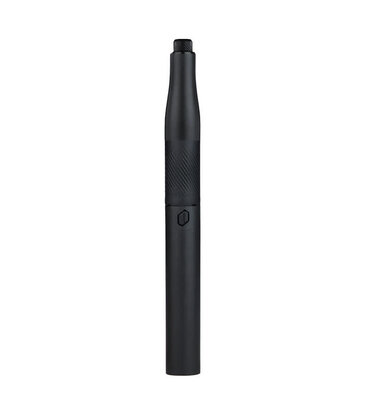
The portability of a dab pen with the performance of a rig, the Puffco Pivot gives you the best of both worlds!
Brand: Puffco
Brand: Puffco
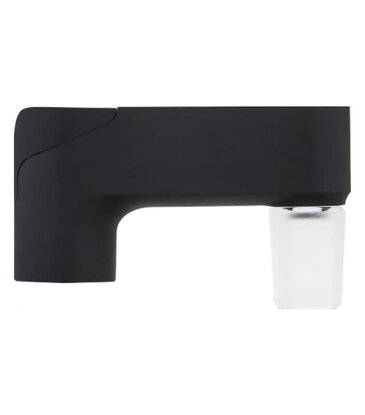
Use this adapter to connect your Puffco Pivot Vaporizer to your favorite glass water pipes!
Brand: Puffco

-OEM replacement chambers for your Puffco Pivot Vaporizer.
-Includes carrying case.
Brand: Mushroom

This Green Mardi Gras Pullover Mushroom hoodie is made from a blend of cotton and polyester.

Brand: Rock Saws
Brand: Puffco

Brand: Puffco